Turn a picture into something you can print — and sell.
Upload your art. Set the size in millimetres. Download a multicolour 3MF and put it on the plate. Four generators for people with a printer and a product idea.
Upload. Tune. Preview. Print.
The whole job, start to finish
Drop in a picture
A logo, a doodle, a commission. The generator reads the outline and the colours.
Set the size and colours
Set the size in millimetres, choose how many filaments you'll load, soften the edges.
Check it in 3D
Rotate it, click it, explode it. The preview updates as you tune, before you spend a gram of filament.
Download and print
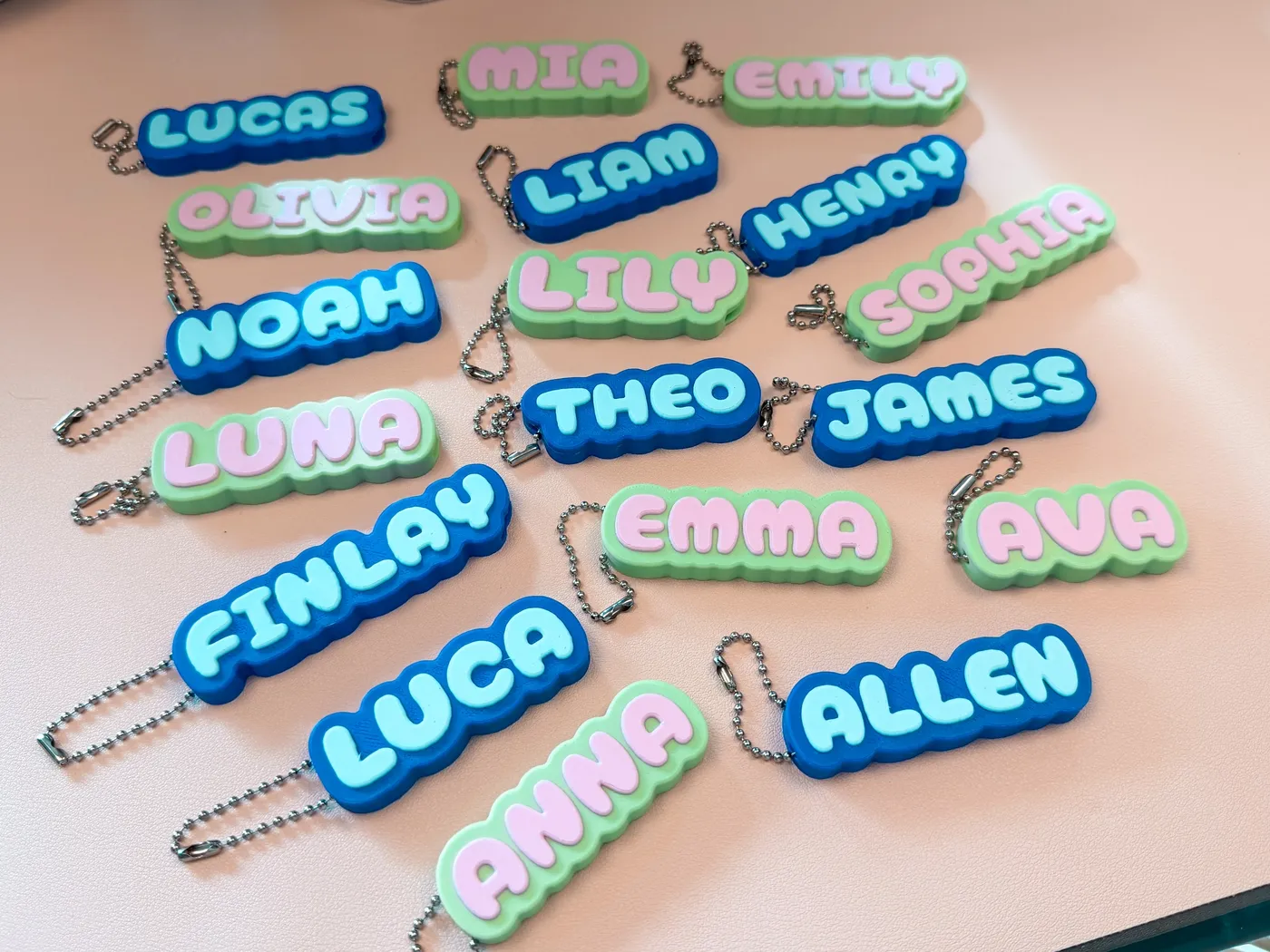
A multicolour 3MF for the slicer. Print one to check, then the tray.
Four tools on the board
Three live · one in the workshop
Clicker Generator
A multicolour fidget clicker with a real MX switch inside, from any image.
Live Open the generatorCan Opener Generator
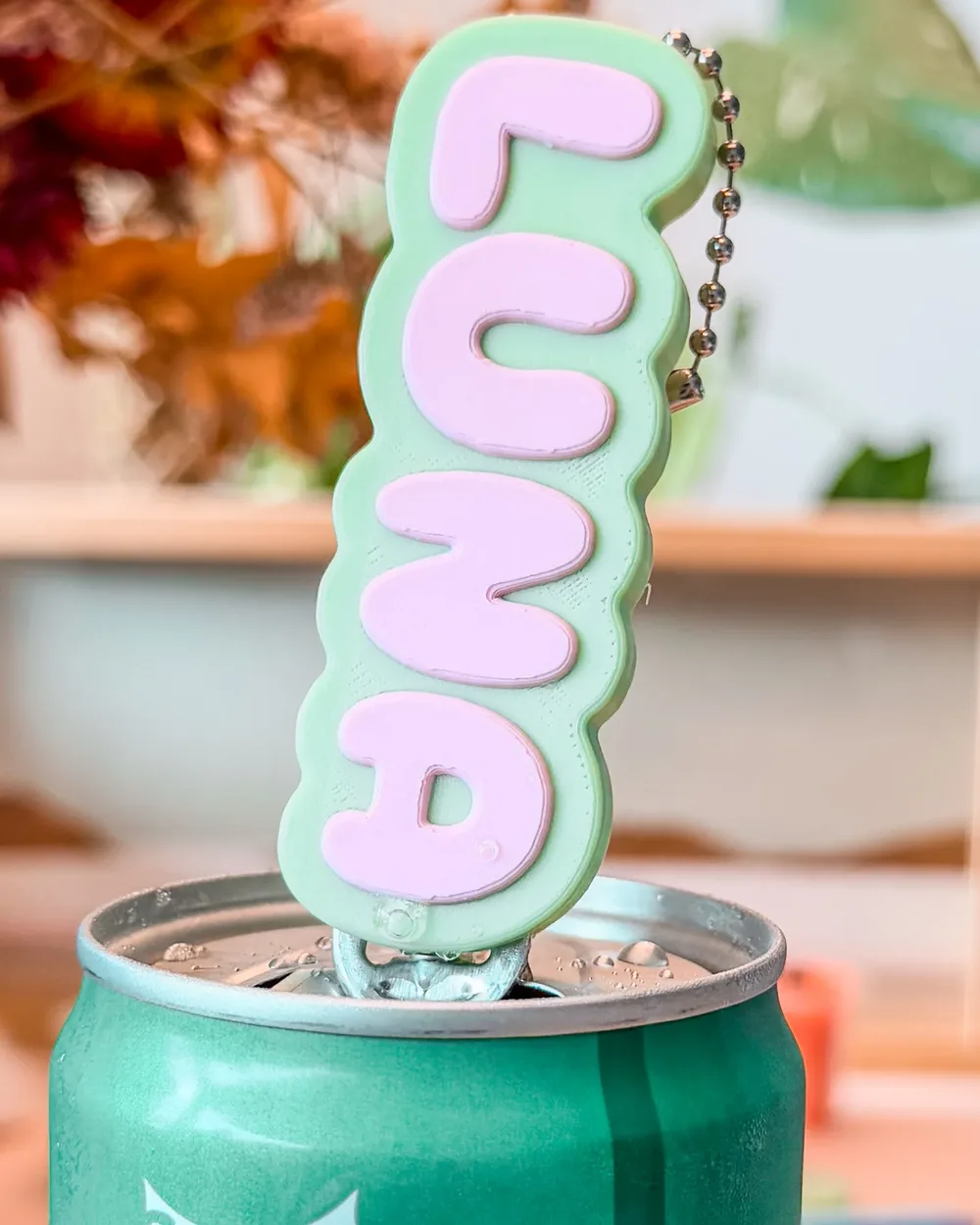
A ring-pull can opener with your art embossed on the handle. No supports, no hardware.
Live Open the generatorFridge Magnet Generator
Your art in relief, with pockets for Bambu's disc magnets already modelled.
Live Open the generatorBead Maker
A bead maker that can create beads to put on a drawstring, a straw, pencil, or anything else.
In the workshop Not yet openBefore you open one, the honest bit.
Previewing is free for as long as you like — the Clicker Generator doesn't even need an account — and one saved project is free too. Downloading print files takes a plan. Each tool lists its own, and some include a licence to sell what you print.
Made to be sold
A customer sends a logo. You send back a photo.
The modelling that used to mean a CAD app is a slider and a preview.
One colour per AMS slot.
The colour comes off the spool, not out of a paint pot. Nothing between the bed and the packaging.
Keyring size or shelf size, same upload.
You set the millimetres. One design becomes a whole range without redrawing anything.
From the studio behind CozyClickers.
CozyClickers is Suri's design studio — the clickers, the sets, the seasonal drops. CozyStudio3D is the other half: the generators that grew out of it, now their own thing with their own subscribers.
Same two people, same workshop. The difference is what you leave with. CozyClickers sells you the custom designed objects; CozyStudio3D enables you with the tool — so the thing you make is yours to print, to change, and on the commercial plans, to sell (digital files and physical prints).